Spending & Expenses
Expense Tracking Is Useful. Capturing Every Expense Is the Hard Part.
Expense Tracking Is Useful. Capturing Every Expense Is the Hard Part.
Why people stop tracking expenses
The problem is usually not understanding why expense tracking matters. The problem is maintaining it.
In our view, this repeated manual work is one reason people struggle to use budgeting and expense tracking apps consistently.
How Zupitr handles expense capture
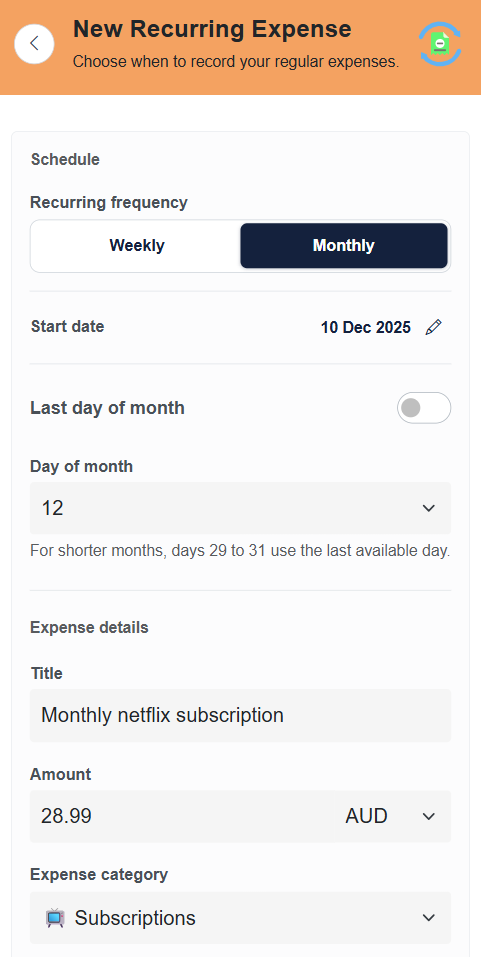
Zupitr does not make expense tracking completely automatic. Instead, it gives users different ways to record expenses depending on what they are doing.
Manual entry
Open the expense form, enter the details and save it. This is useful for individual transactions.
Ask ANVI
ANVI is Zupitr's AI assistant. Tell ANVI about an expense in normal language and it can interpret the details and prepare the expense entry.
Upload a bank statement or spreadsheet
Upload a statement or Excel file. Zupitr can read the transactions and show them for review before you save them.
Capture an invoice or receipt
Take or upload a photo of a receipt or invoice. Zupitr can read the available information and prepare the expense details.
When you have many transactions
Entering dozens of transactions individually is not practical.
With bulk upload, you can upload a bank statement or spreadsheet, review the transactions Zupitr identifies and then save the ones you want.
There is still some manual work
Transactions still need to be captured, checked and sometimes corrected.
Our aim is to reduce unnecessary data entry and give users more than one way to keep their financial records up to date.
Why the effort is still worth it
When expenses and income are recorded consistently, you can see where your money is going and how much you are saving.
You can also identify changes in spending earlier instead of finding out much later that your expenses were higher than expected.
Use the method that suits the transaction
Enter one expense manually, tell ANVI about it, upload several transactions together, or capture a receipt. You do not have to use the same method every time.